#PowerJanta – Power BI August 2023 Feature Summary
Restarting the old #PowerJanta series where I noted down key features that I liked the most. Here is my selection of noteworthy highlights from Microsoft P
#PowerJanta – Power BI August 2023 Feature Summary
Restarting the old #PowerJanta series where I noted down key features that I liked the most. Here is my selection of noteworthy highlights from Microsoft Power BI August 2023 Feature Summary.
Reporting
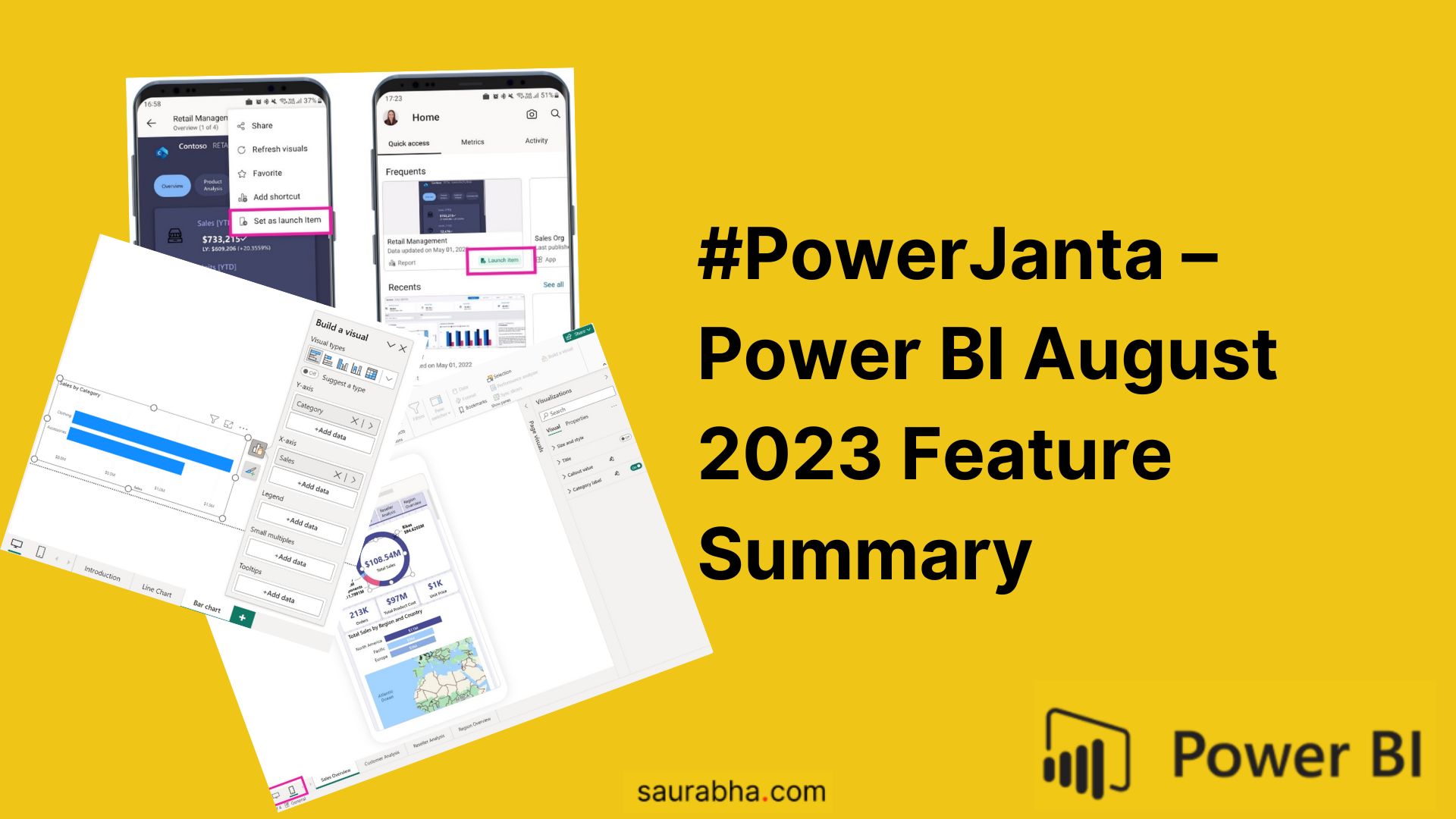
Layout switcher
We now have new buttons at the bottom to switch between web and mobile layouts quickly.

On-Object Interaction (Preview) – Updates
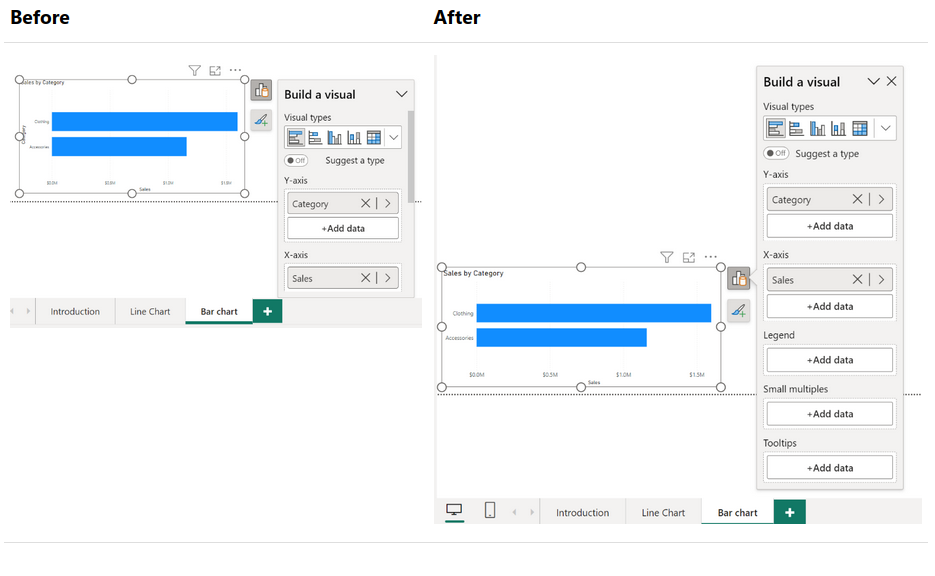
Resizing and positioning to the on-object menus
We can now resize the on-object menus, it’s a small change but really useful when working with multiple field names
Mobile
Choose your start-up content
Now you can choose which report to open automatically whenever you open Power BI Mobile app

If you like this content or want me to stress on something, feel free to reach out to me at me@saurabha.com with your comments, suggestions and feedback.
Image Credits: Microsoft’s Official Power BI August 2023 Feature Summary
Related Articles
#PowerJanta – Power BI July 2023 Feature Summary
Restarting the old #PowerJanta series where I noted down key features that I liked the most. Here is my selection of noteworthy highlights from Microsoft P
#PowerJanta – Power BI June 2023 Feature Summary
#PowerJanta - Important and most relevant features from Power BI June 2023 Feature Summary as per Saurabha Joglekar, BI Consultant.
#PowerJanta – Power BI May 2023 Feature Summary
#PowerJanta - Important and most relevant features from Power BI August 2021 Feature Summary as per Saurabha Joglekar, BI Consultant.
Enjoyed this article?
Get in touch, or explore more of my writing on Power BI, AI & data and automation.