#PowerJanta – Power BI May 2023 Feature Summary
#PowerJanta - Important and most relevant features from Power BI August 2021 Feature Summary as per Saurabha Joglekar, BI Consultant.
#PowerJanta – Power BI May 2023 Feature Summary
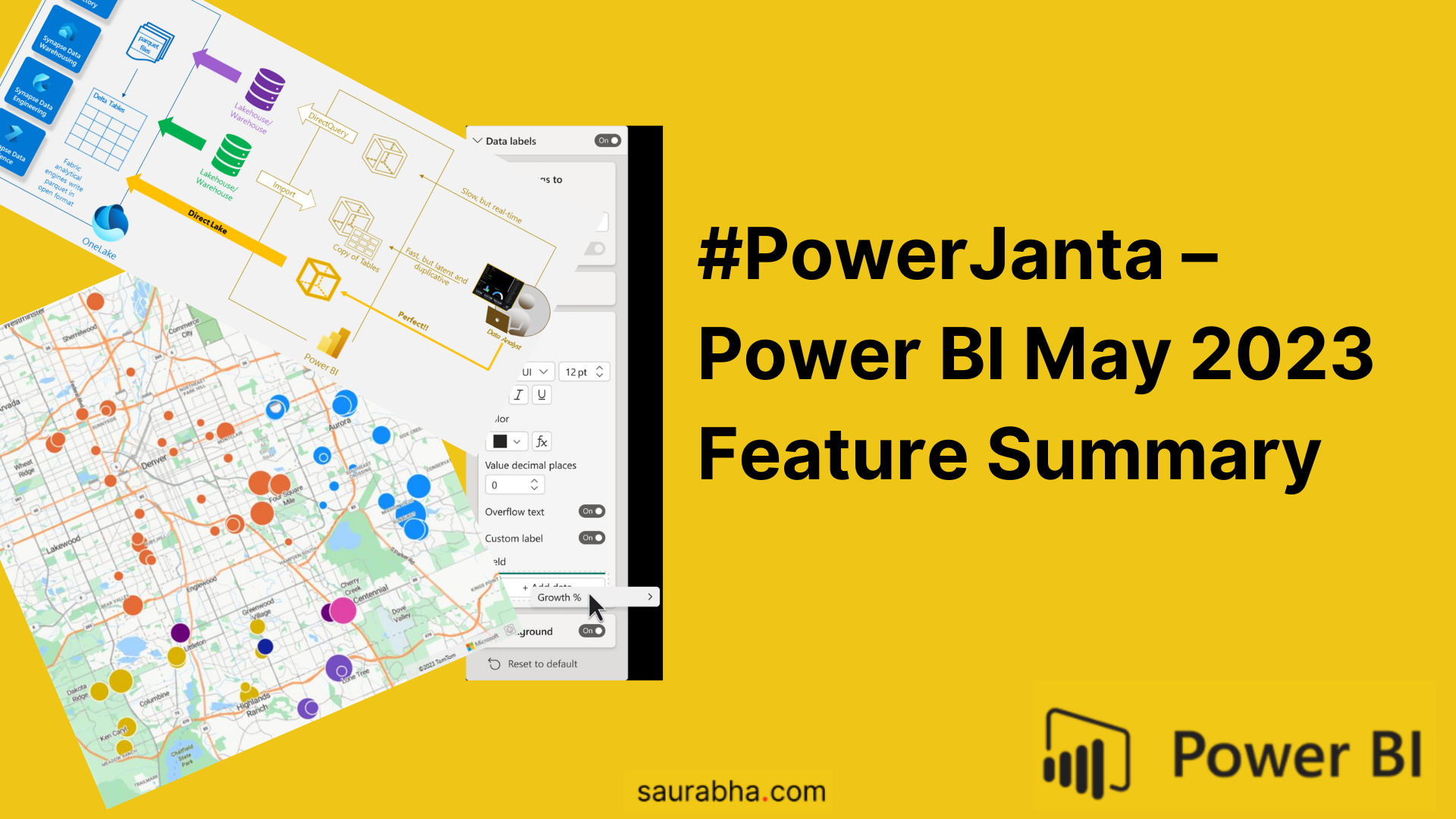
Restarting the old #PowerJanta series where I noted down key features that I liked the most. Here is my selection of noteworthy highlights from Microsoft Power BI May 2023 Feature Summary.
Special Announcements for Microsoft Fabric!
-
Power BI Direct Lake mode is in public preview
- Microsoft introduces Direct Lake mode for datasets on Fabric Lake houses, providing fast query performance, avoiding data duplication, and reducing data integration costs.

- Microsoft introduces Direct Lake mode for datasets on Fabric Lake houses, providing fast query performance, avoiding data duplication, and reducing data integration costs.
-
Announcing the renaming of the Power BI Free user license
- The Power BI Free user license has been renamed to the Microsoft Fabric Free user license to reflect its inclusion within Microsoft Fabric, without any changes to its functionalities.
Reporting
-
Azure Maps is now Generally Available
-
- The Azure Maps visual is now Generally Available and has got a new style.
Current Style New Style


-
-
Measure driven data labels
- Custom data labels for your charts, this is something that was launched few weeks back on service. Has some good use cases especially when you want to show X measure but plot Y measure

- Custom data labels for your charts, this is something that was launched few weeks back on service. Has some good use cases especially when you want to show X measure but plot Y measure
Modeling
-
New DAX functions: MATCHBY
-
- MATCHBY extends the capabilities of window functions further
EVALUATE ADDCOLUMNS ( FactInternetSales, "Previous Sales Amount", SELECTCOLUMNS ( OFFSET ( -1, FactInternetSales, ORDERBY ( FactInternetSales[SalesAmount], DESC ), PARTITIONBY ( FactInternetSales[ProductKey] ), MATCHBY( FactInternetSales[SalesOrderNumber], FactInternetSales[SalesOrderLineNumber] ) ), FactInternetSales[SalesAmount] ) ) -
If you like this content or want me to stress on something, feel free to reach out to me at me@saurabha.com with your comments, suggestions and feedback.
Image Credits: Microsoft’s Official Power BI May 2023 Feature Summary
Related Articles
#PowerJanta – Power BI June 2023 Feature Summary
#PowerJanta - Important and most relevant features from Power BI June 2023 Feature Summary as per Saurabha Joglekar, BI Consultant.
#PowerJanta – Power BI October 2021 Feature Summary
#PowerJanta - Important and most relevant features from Power BI October 2021 Feature Summary as per Saurabha Joglekar, BI Consultant.
#PowerJanta – Power BI August 2021 Feature Summary
#PowerJanta - Important and most relevant features from Power BI August 2021 Feature Summary as per Saurabha Joglekar, BI Consultant.
Enjoyed this article?
Get in touch, or explore more of my writing on Power BI, AI & data and automation.